
My Bulk Order Section
Hey guys, in today's video, we're going to be showing you what the My Bulk Orders Section of the Tiny Brander account is all about, we're going to be giving you a full walkthrough an explanation of what that means.

So let's jump right into it.
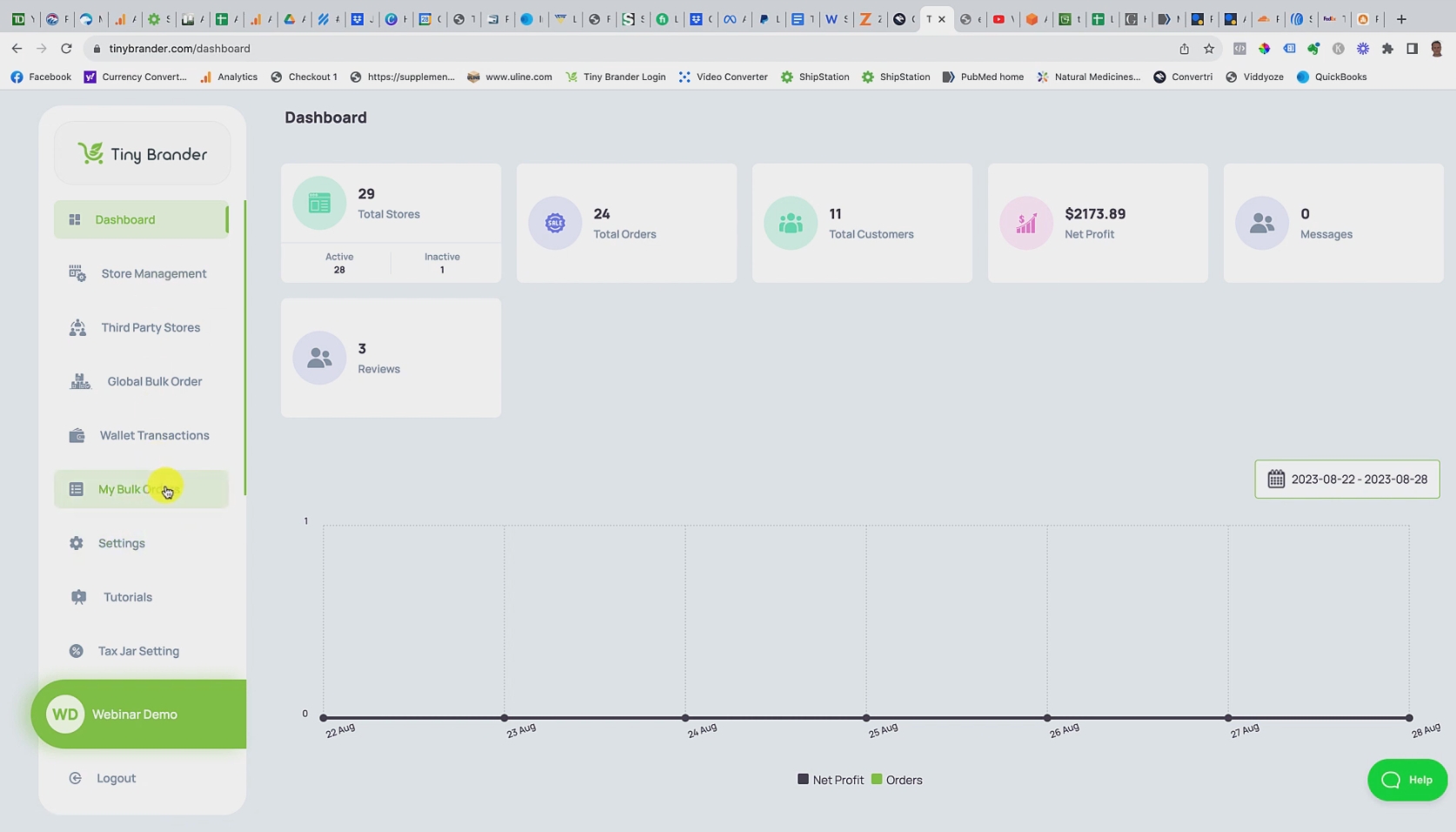
The My Bulk Order Section can be found down here on the left hand side.
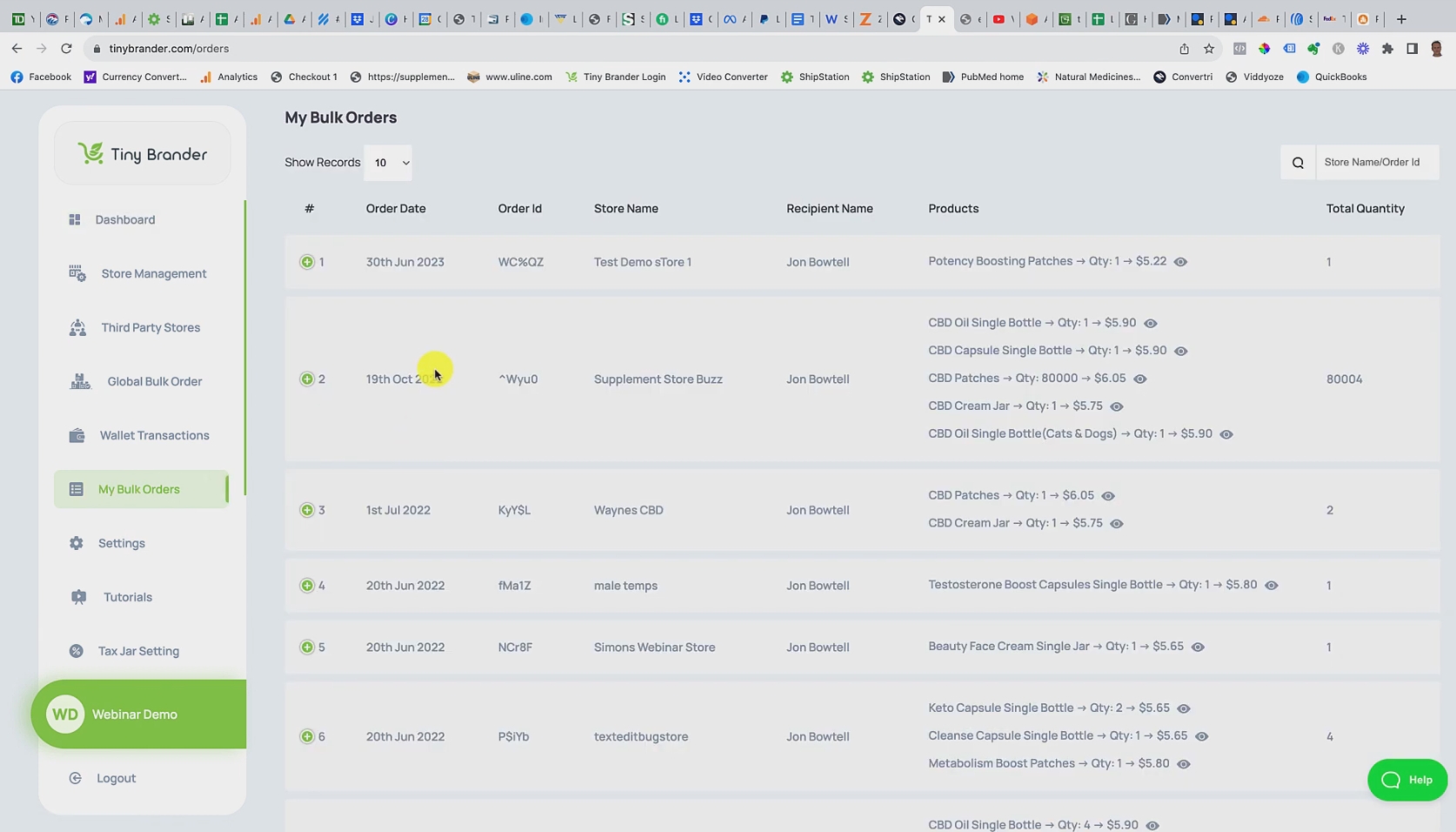
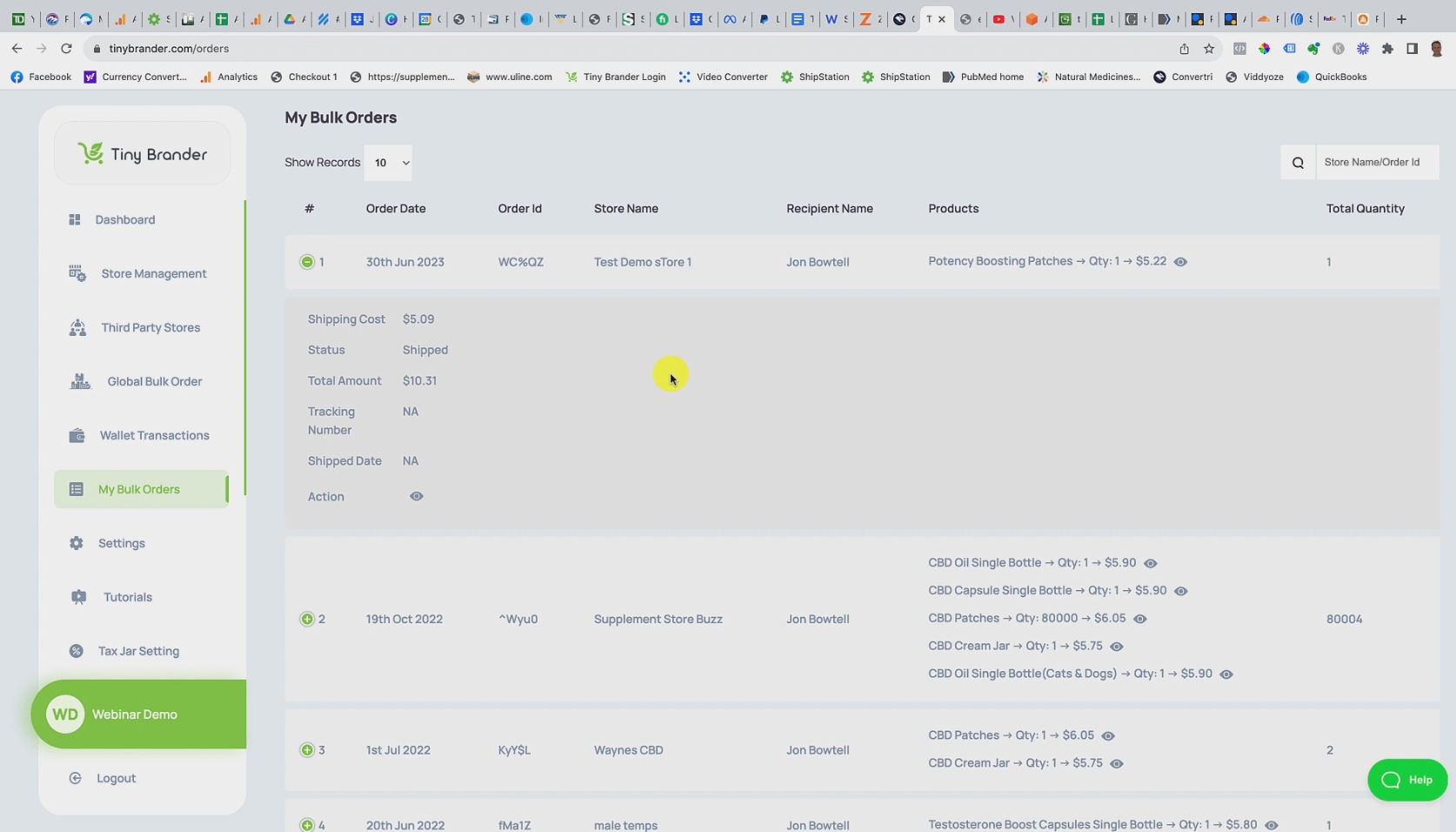
And if we just click to go into it, you can see that this is actually an accounting of all of the bulk orders that you've placed through the system.
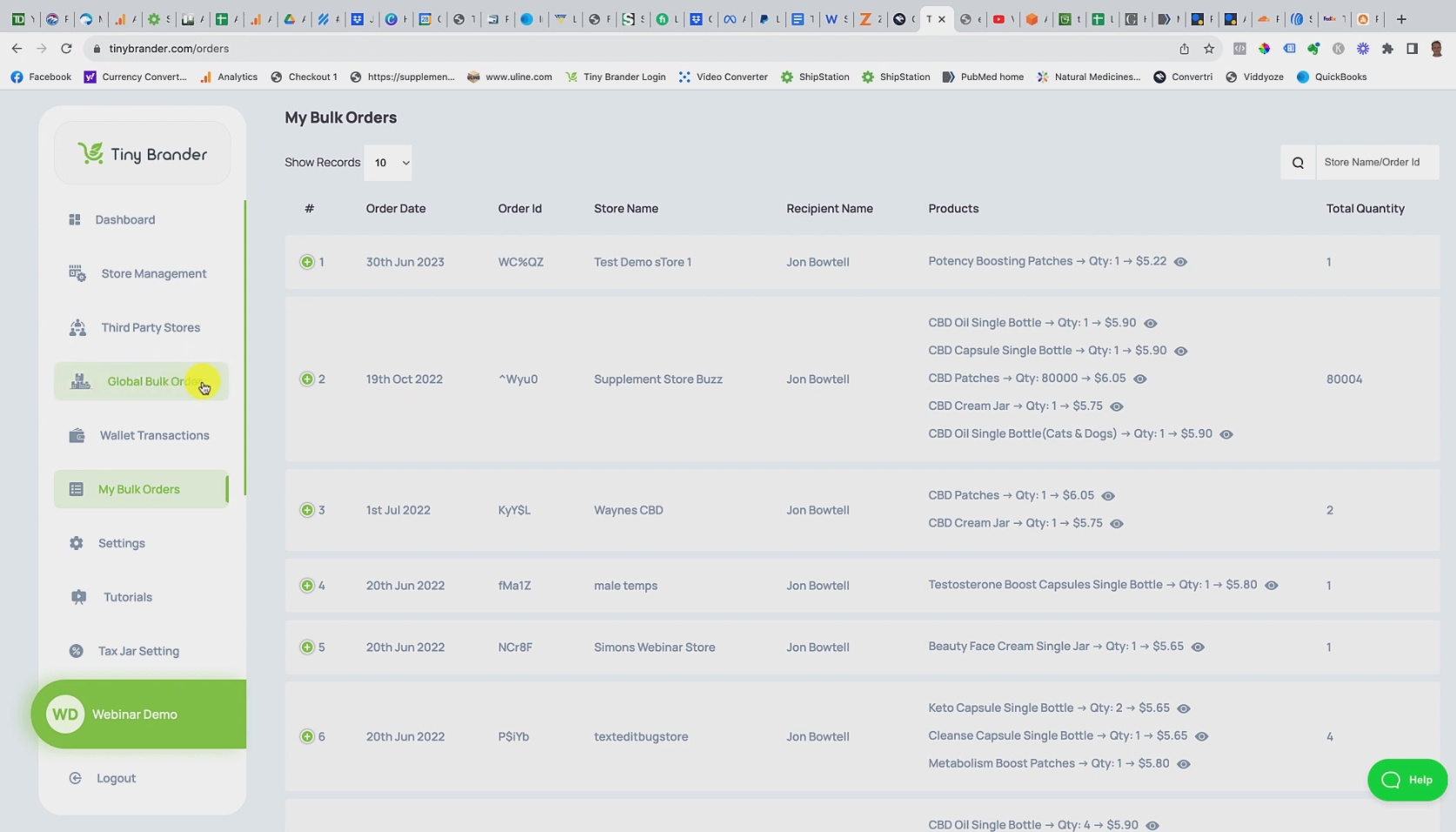
Now this will either have been placed through the Global Bulk Order Section here where you're ordering products to either go to yourself, to a customer, or perhaps to going in bulk to Amazon or something like that.
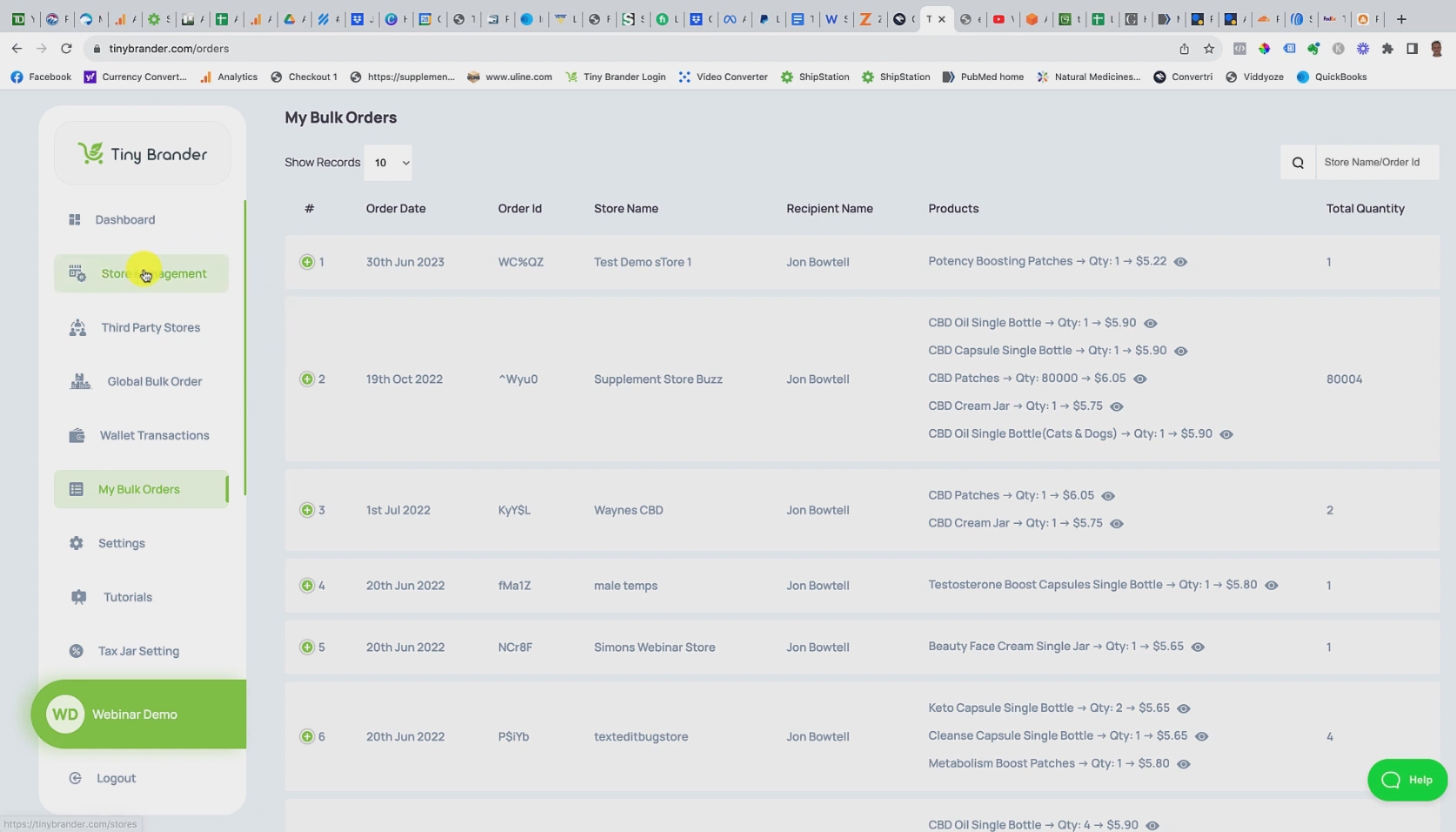
Or it will be done through the store management system, if I just go up there.
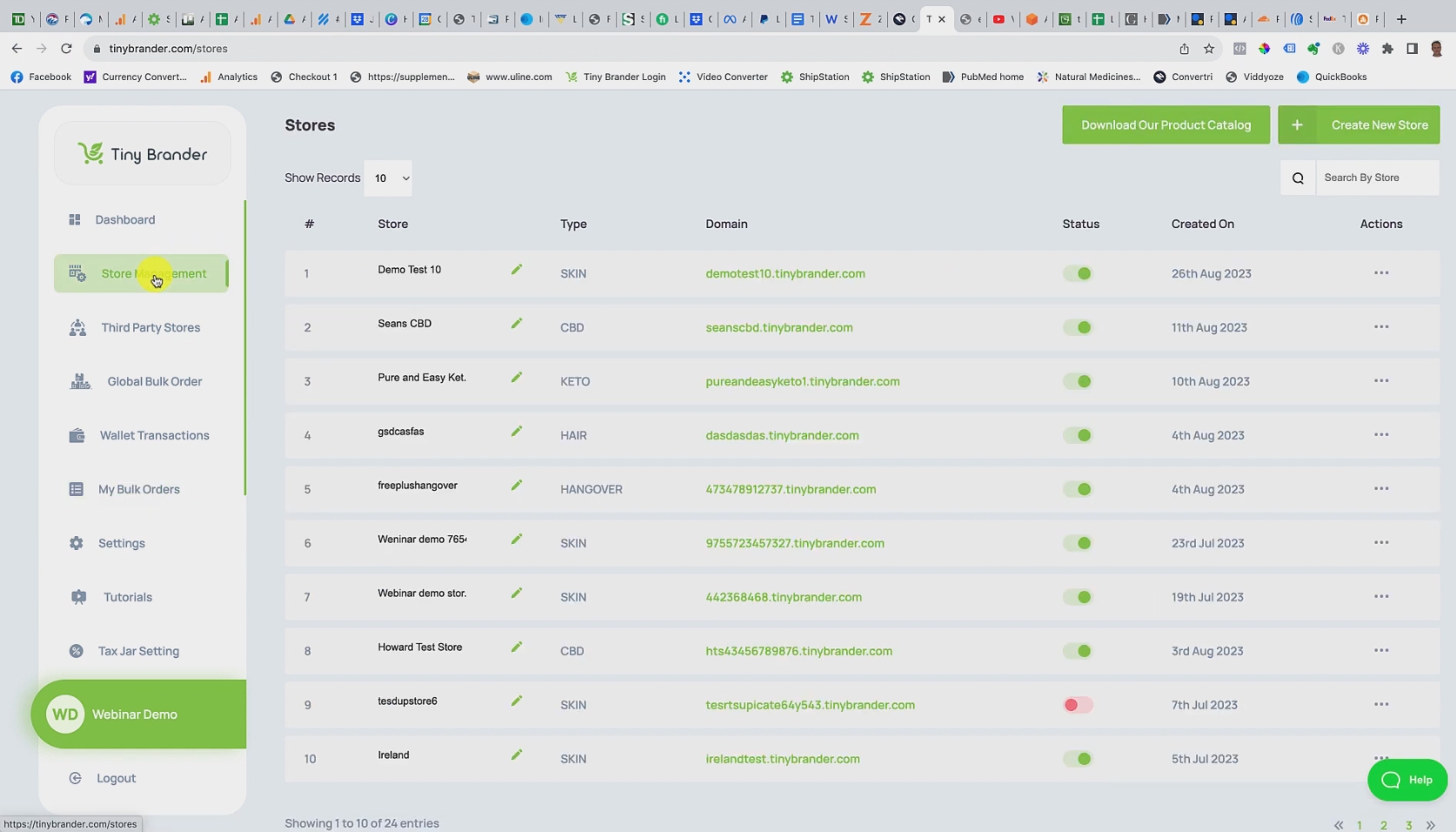
And you've picked one of your stores here…
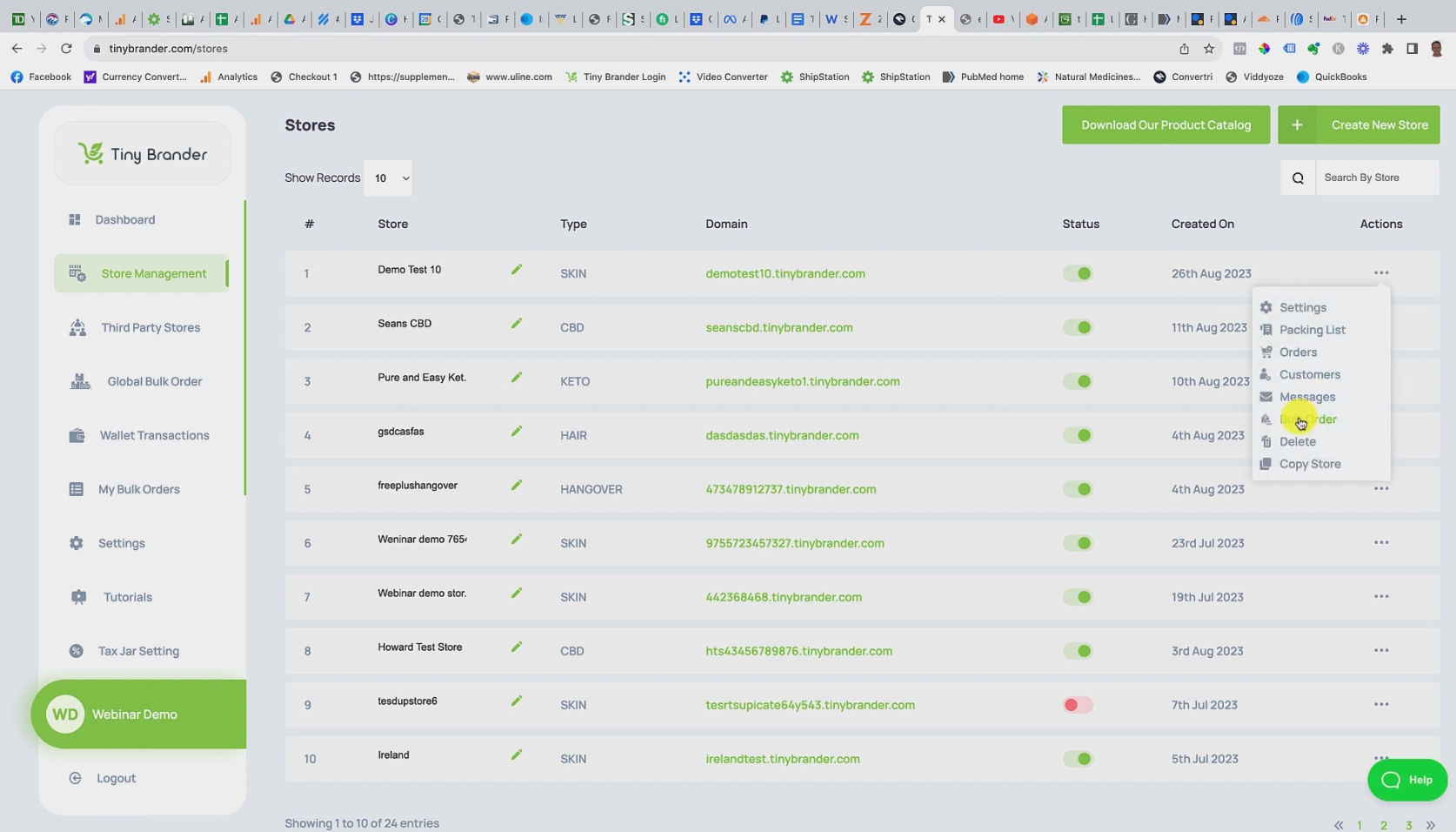
Gone to three dots and hit a create bulk order here. So it's either you can only place bulk orders in two places, its either here in the store management and that's where you order per store…

Or here under the global bulk order, where you can order from any of your stores, ie any of your brands in one time.
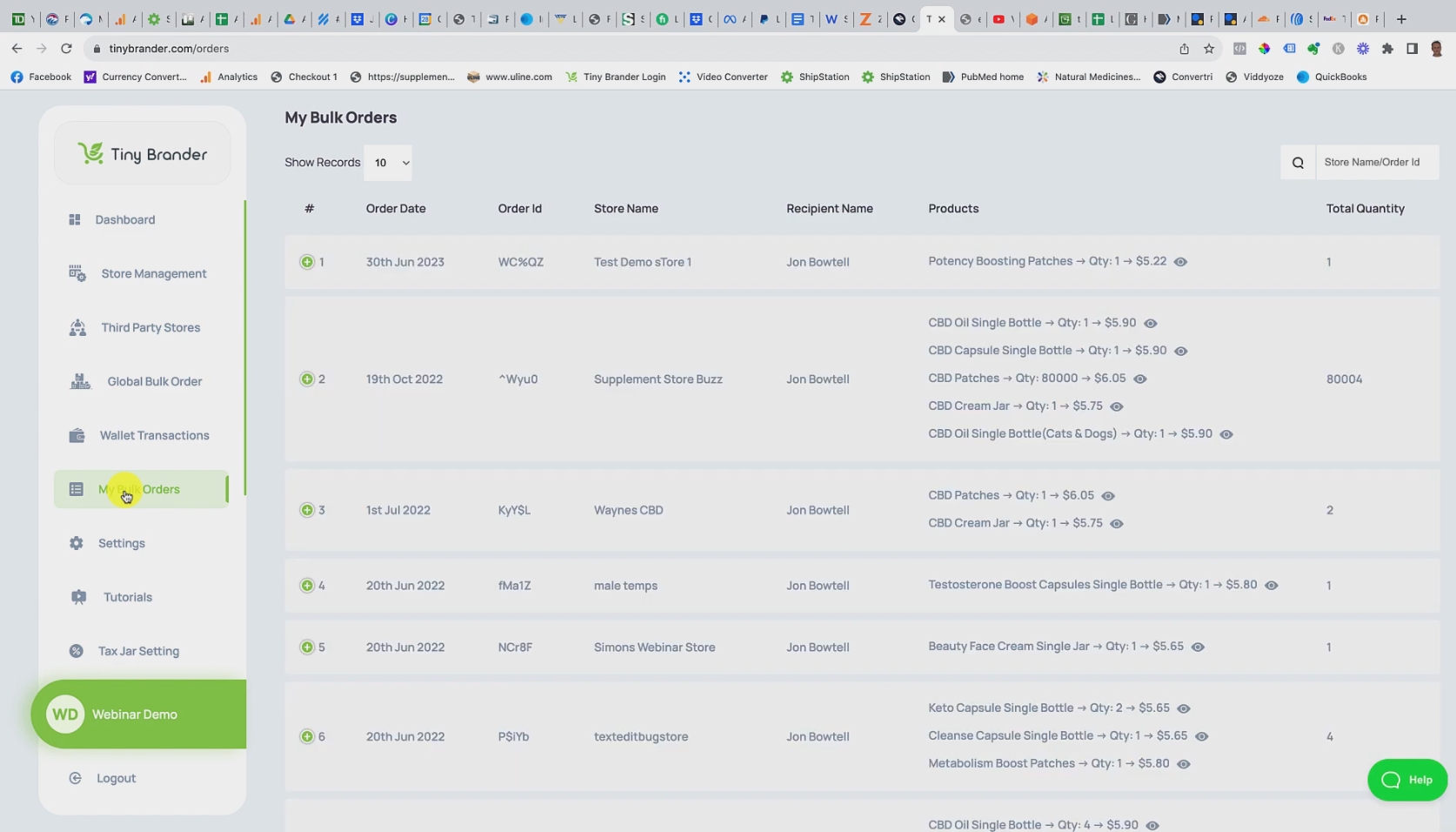
So all of those transactions get recorded here in My Bulk Orders. So if we go there now, you can take a look at it, we have quite a few here that go back historically.
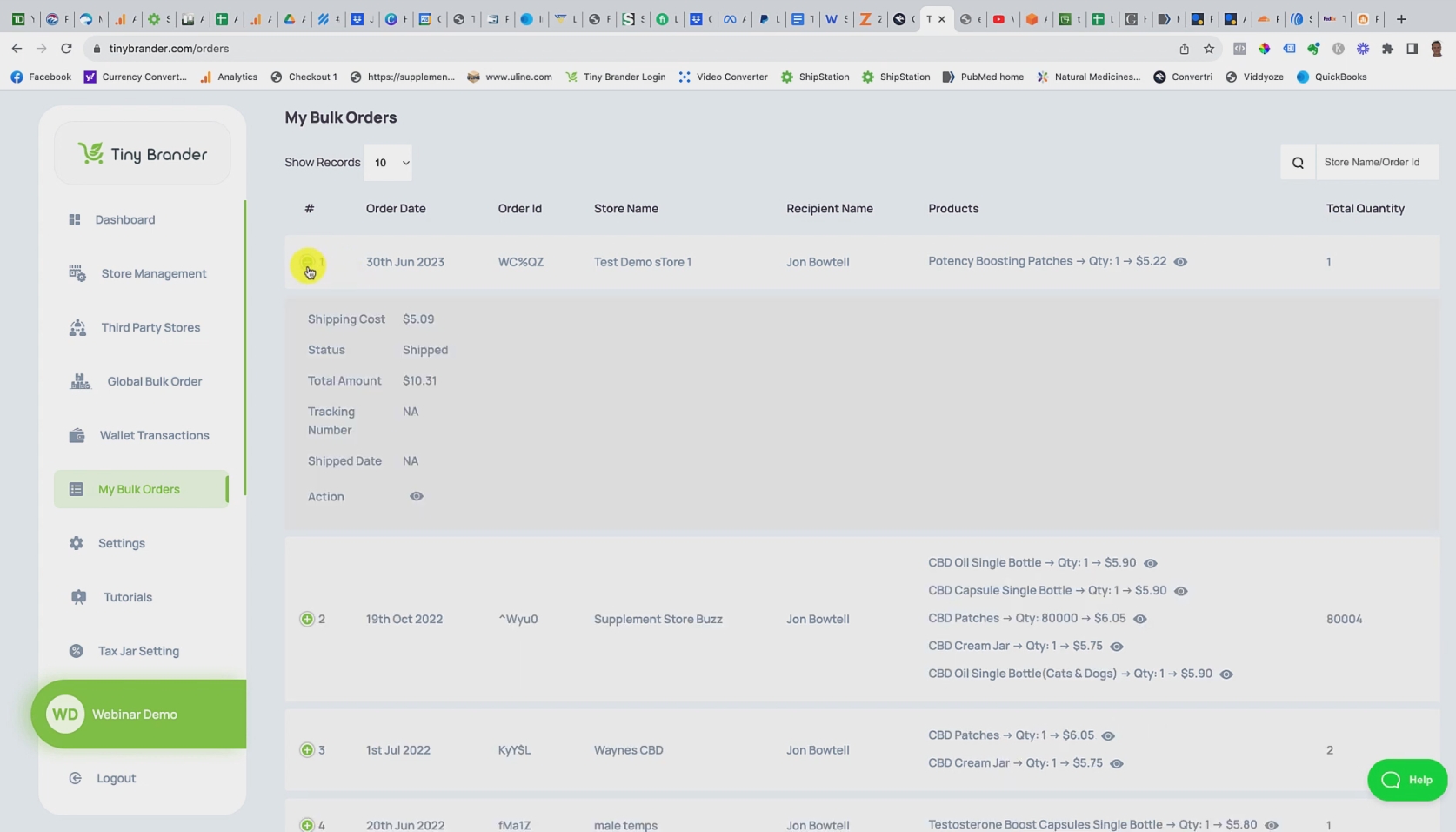
But if we actually go into the drop down here, you can see that we have the cost of the shipping, the status that it shipped, the total amount that it costs, if this had been a genuine order, and we'd have actually shipped it, it would have come with a tracking number here, and the date that it shipped. And this will actually show you the packing list that we would have shipped with it as well.
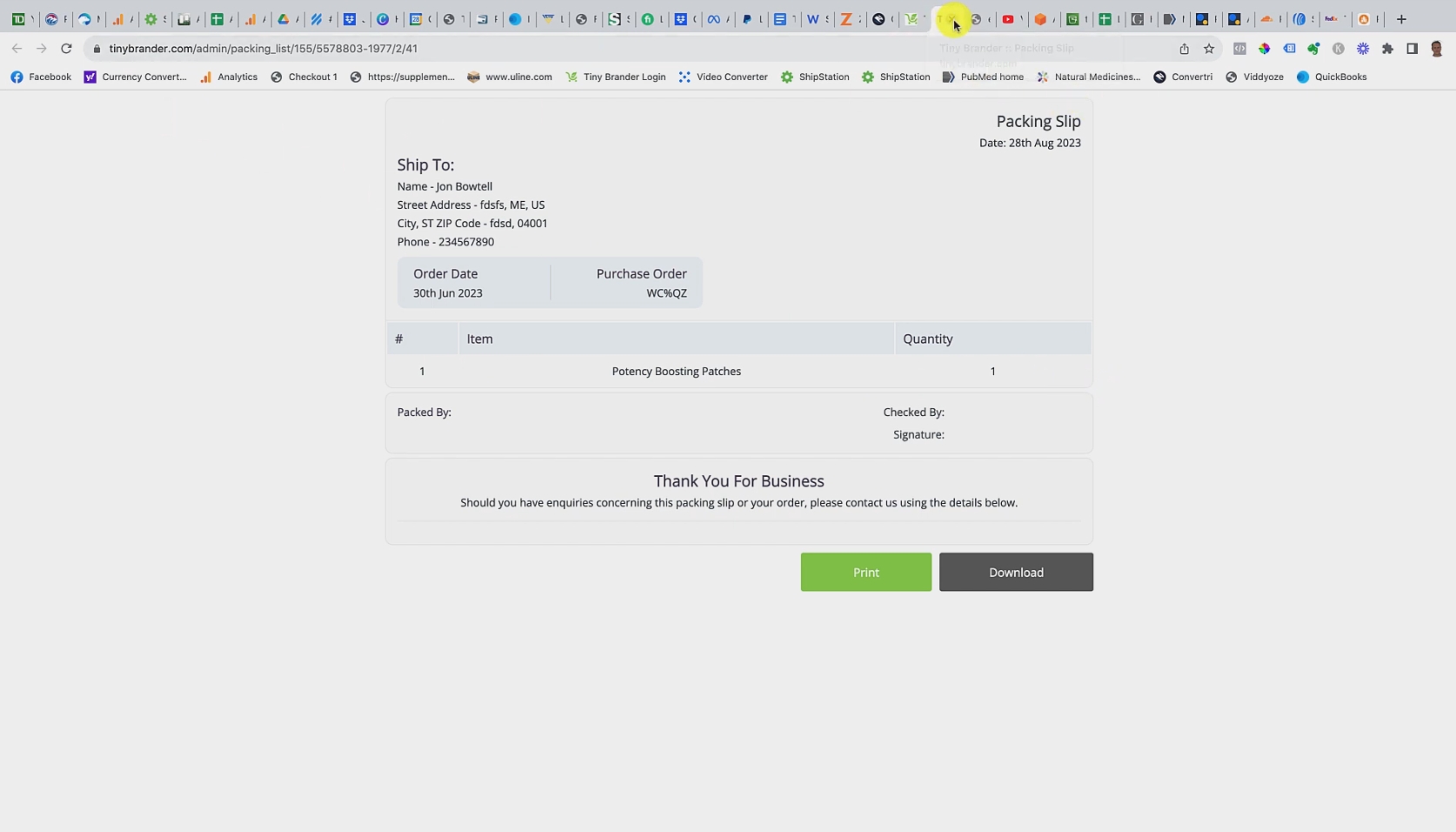
So you can go in there and actually see the thing that actually was created and shipped. And that's really all it is. It's your place to go to find out information and data about the bulk orders that you've created.
And that's it. If you have any questions or concerns you can reach us at support@tinybrander.com All the best. Thanks bye bye.